
Manage Product Funds
In this section, you can manage the funds associated with your product's advertising campaigns. You’ll find key information about your product’s balance, its funding status, and options to add more funds when needed.
Balance Information
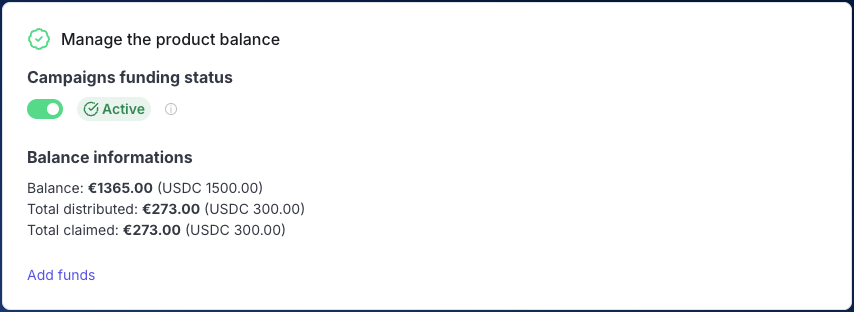
Under the funding status toggle, you’ll find detailed Balance information, which includes:
- Current balance: This shows the remaining funds available for your product's campaigns, both in EUR and USDC.
- Total distributed: The total amount of funds that have been distributed across campaigns.
- Total claimed: The total funds that have been claimed by the end users to date.
Here’s an example of what this section looks like:
Campaigns Funding Status
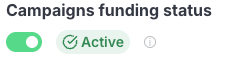
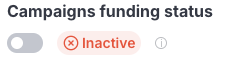
At the top, you'll see the Campaigns funding status, which indicates whether the campaigns linked to your product are actively using funds or not. There are two possible states:
- Active: If the toggle is switched on, your campaigns will continue to run using the available balance.
- Inactive: If the toggle is switched off, the campaigns will stop using the product's balance, pausing all associated advertising activities.
Adding Funds
If you need to add more funds to your product’s balance, simply click on the Add funds link. This will redirect you to the checkout page, where you can complete the transaction.